HomeWarehouse



Search
Search
Search by
Popular tags
Availability
Net height
Latest

P3 Park Ostrava Central
Ostrava, CZ

Prologis Park Prague-Rudná
Rudná, CZ
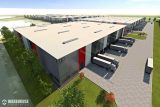
VGP Park Brasov
Brașov, RO
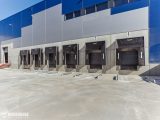
Accolade Park Wiesau
Wiesau, DE
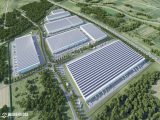
Accolade Park Zagreb North
Donja Bistra, HR



165 Results
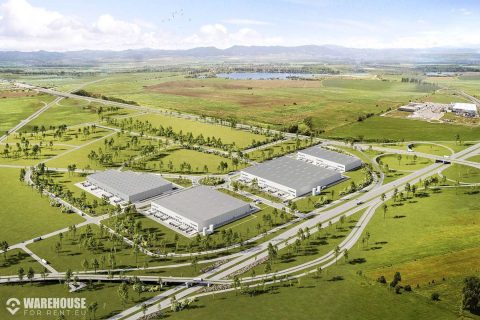
CTPark Sofia East
Sofia, BG
34 924 - 104 772 m2
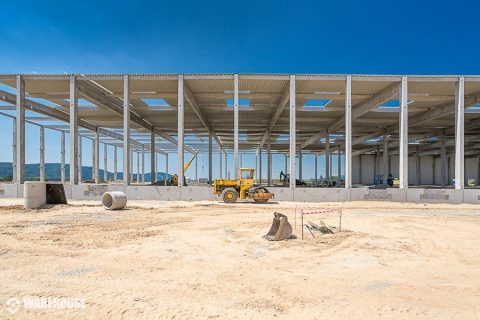
CTPark České Budějovice
Hrdějovice, CZ
2 500 - 75 645 m2
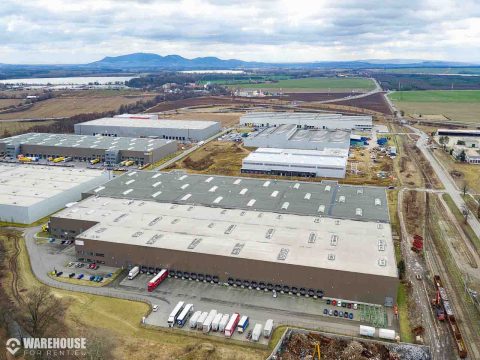
CTPark Pohořelice
Pohořelice, CZ
5 261 - 15 783 m2
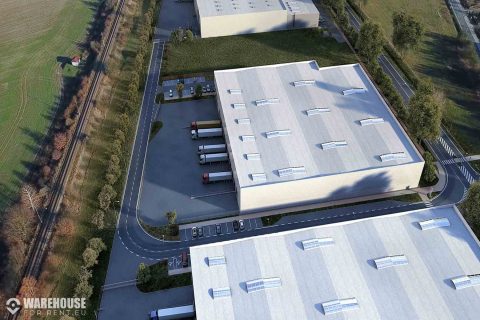
CTPark Hradec Králové
Hradec Králové, CZ
2 500 - 24 605 m2
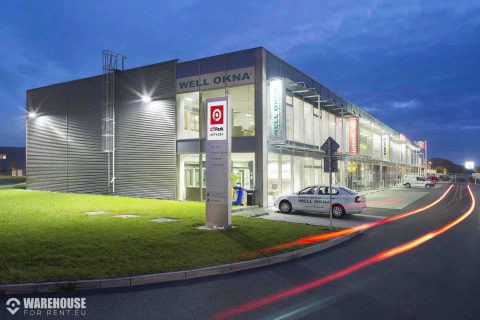
CTPark Plzeň
Plzen, CZ
4 879 - 14 637 m2
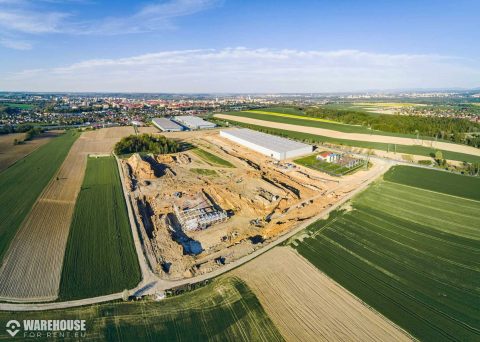
CTPark Ostrava Poruba
Ostrava, CZ
14 937 - 51 834 m2
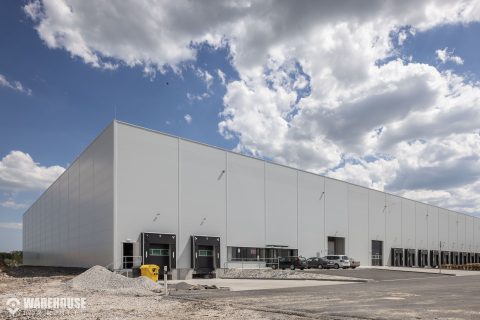
CTPark Nošovice
Nošovice, CZ
5 239 m2
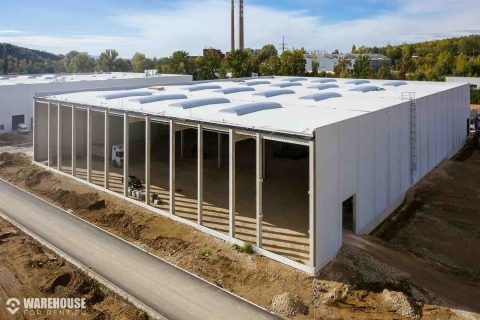
CTPark Brno Líšeň
Brno Líšeň, CZ
2 965 - 33 321 m2
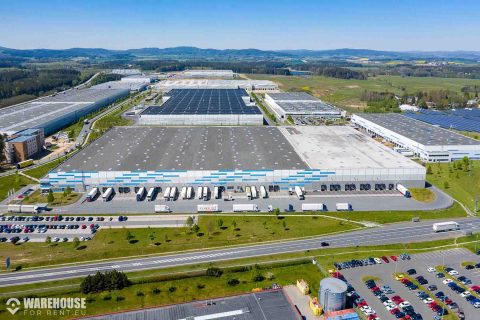
CTPark Bor -
Bor, CZ
26 000 - 52 849 m2
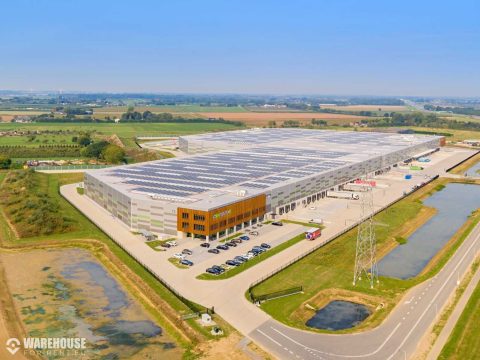
VGP Park Nijemegen
Oosterhout, NL
2 500 - 19 277 m2
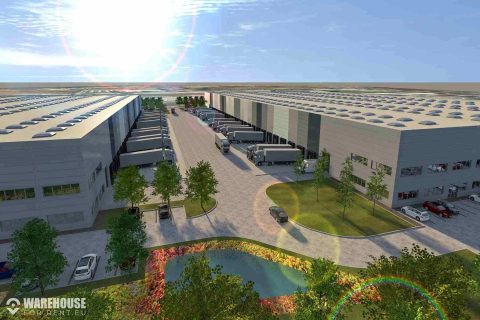
VGP Park Kecskemét
Kecskemét, HU
2 500 - 80 000 m2
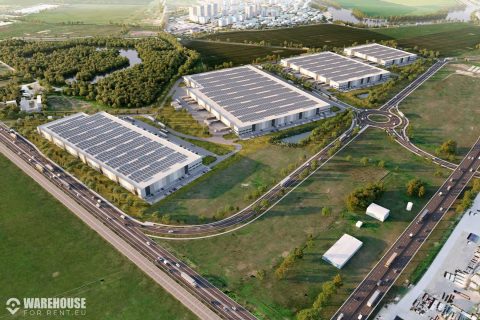
VGP Park Bucharest
Ștefăneștii de Jos, RO
2 500 - 70 000 m2
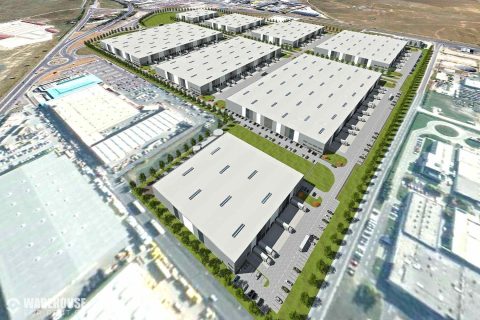
VGP Park Brasov
Brașov, RO
8 700 - 125 700 m2
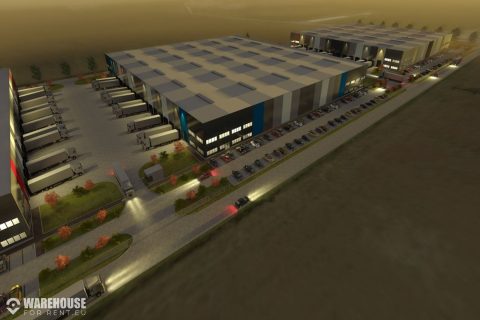
VGP Park Sibiu
Sibiu, RO
2 500 - 77 200 m2
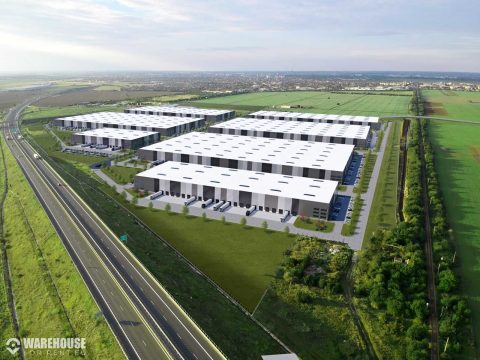
VGP Park Arad
Arad, RO
2 500 - 167 000 m2
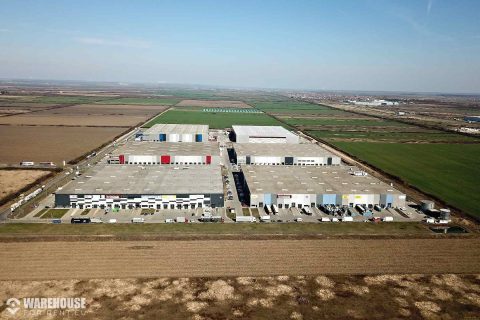
VGP Park Timisoara
Temešvár, RO
2 500 - 6 400 m2
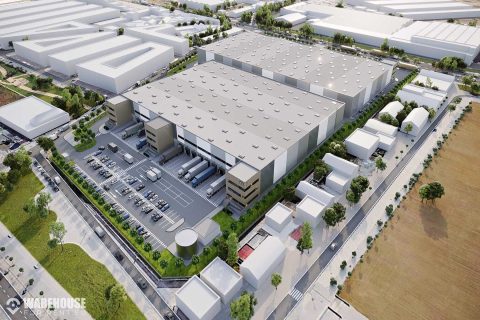
VGP Park Sevilla Ciudad de la Imagen
Sevilla, ES
2 500 - 32 000 m2
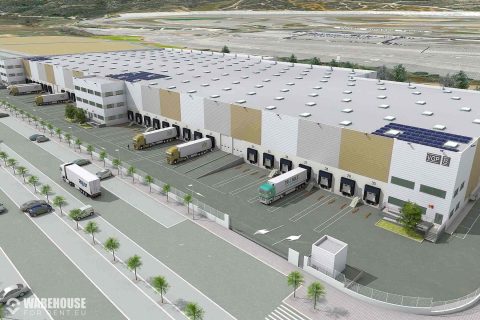
VGP Park Valencia Cheste
Los Felipes, ES
5 000 - 25 000 m2
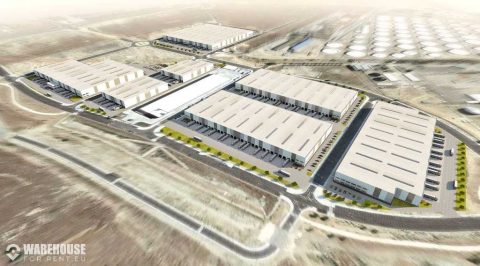
VGP Park San Fernando
San Fernando de Henares, ES
5 000 - 25 000 m2
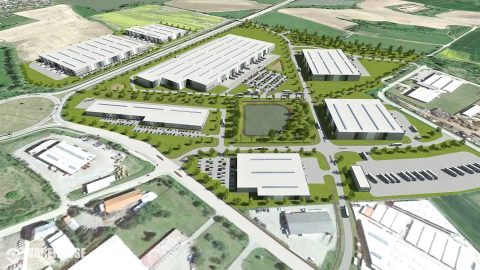
VGP Park České Budějovice
České Budějovice, CZ
2 500 - 77 053 m2
x
Draw area
How to guide
Click the button above. Then Left-click on the map where you want to create a selection area. Then move the mouse to the next point and click the left button again. Repeat this process until you connect the last point to the first one.
Circle area
Cancel area selection
How to guide
Click the button above. Then Left-click on the map where you want to create the center of the area. Then move the mouse to the side and create a circle, left-click again to cofirm the area.